

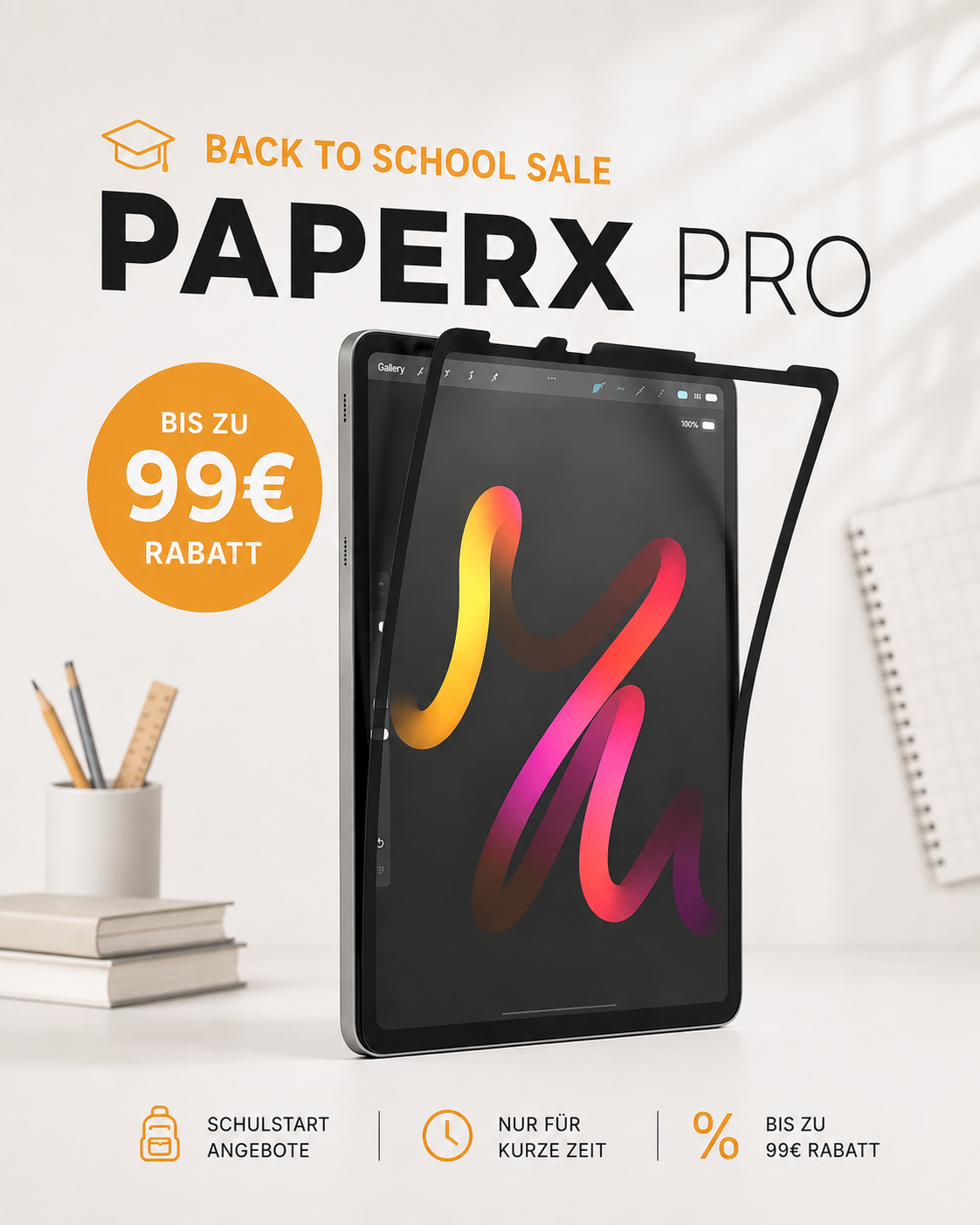
The paper-like screen protector you can take off as often as you like
- Free express shipping
- 100% money-back guarantee
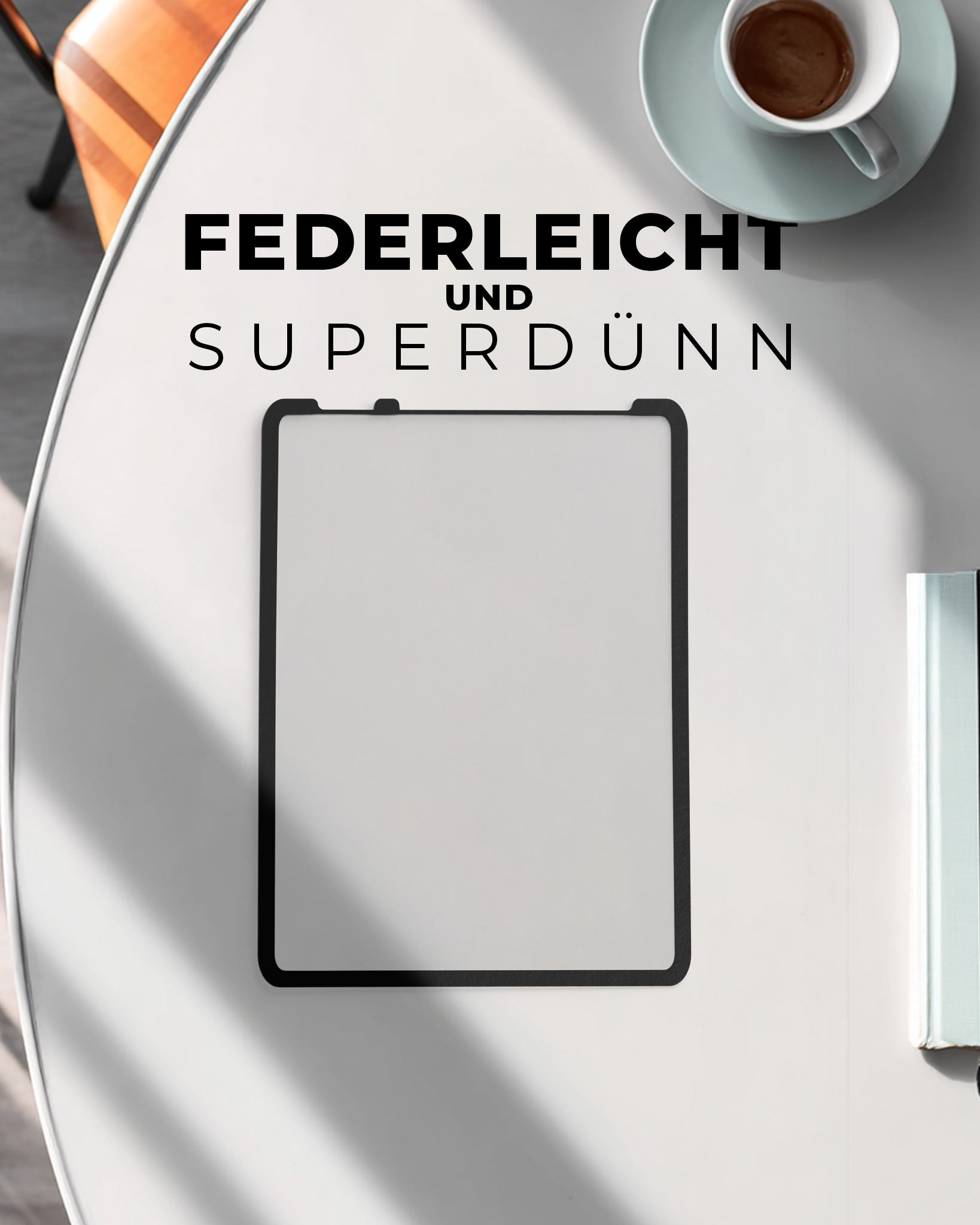
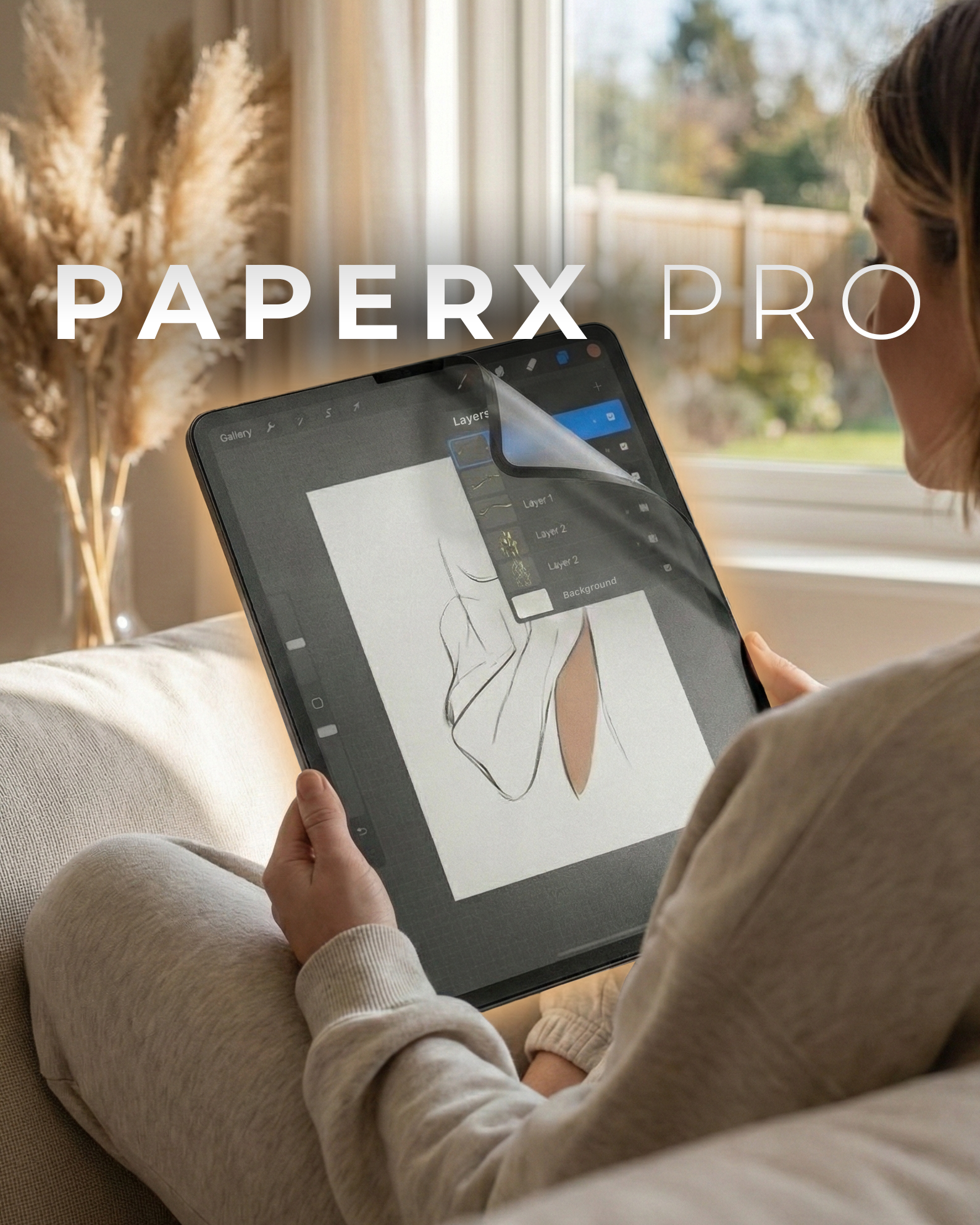
$h{color: #C9B298; opacity: 0.8; data-stroke-width: 15; effect-id: 1; is-animated: true; duration: 4}PaperX Pro$
The first removable paper-feel screen protector developed in Germany 🇩🇪express shipping
money-back guarantee
Choose your iPad
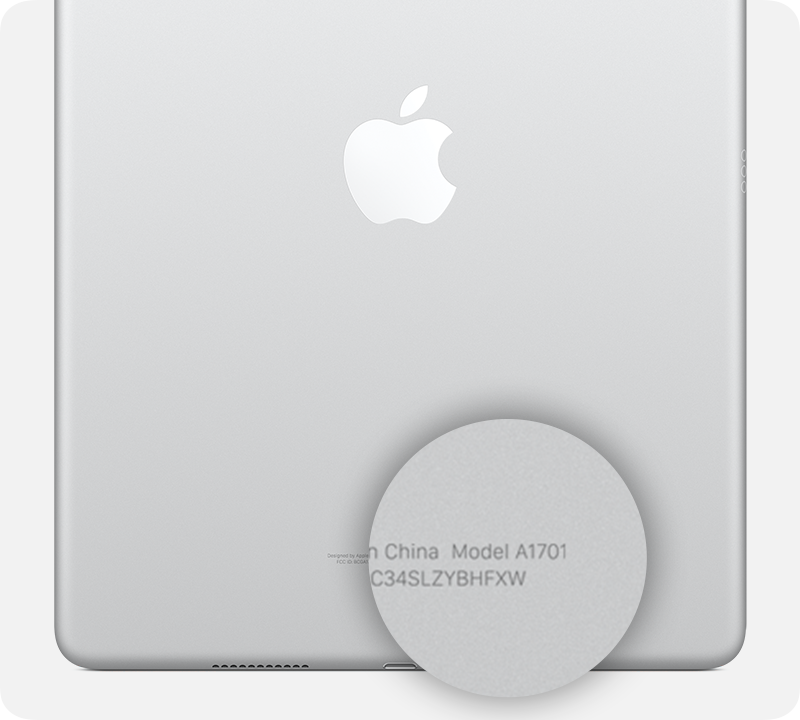
Choose your iPad model and find the perfect PaperX fit.
You can find the model number on the back of your iPad in small gray print.
Key features at a glance
Paper feel on your iPad
Visibly nicer handwriting & notes
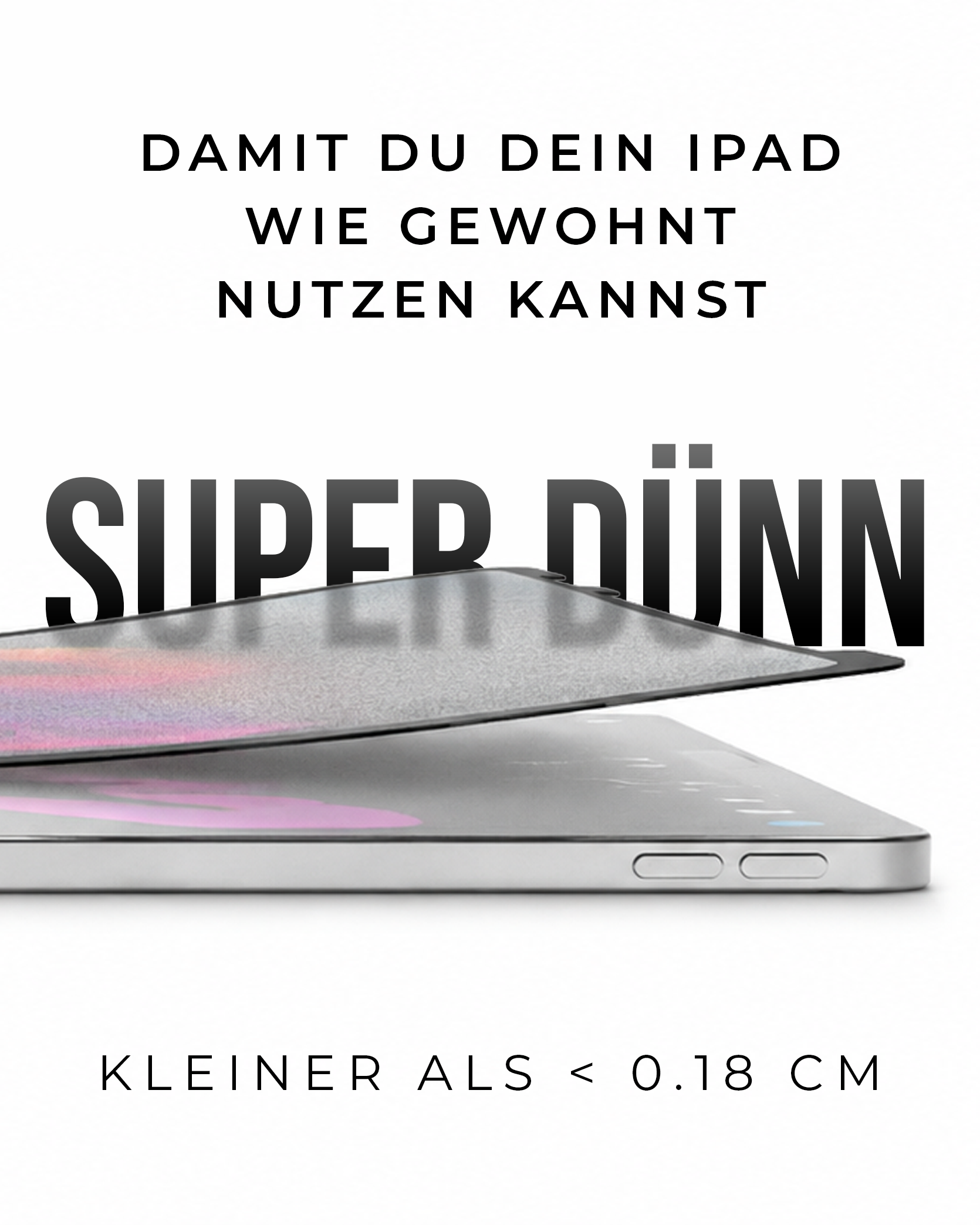
Attach & remove anytime
What is PaperX Pro?
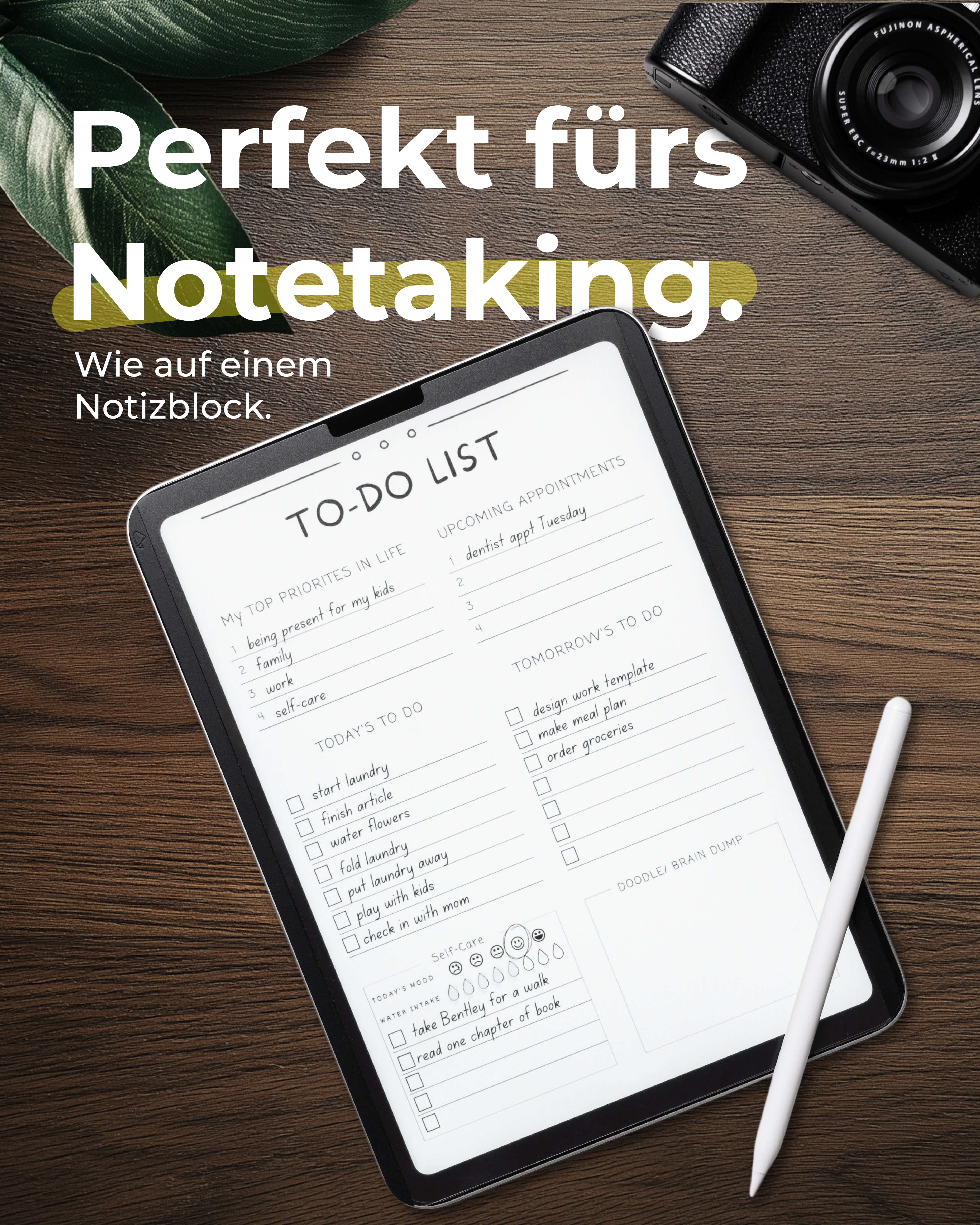
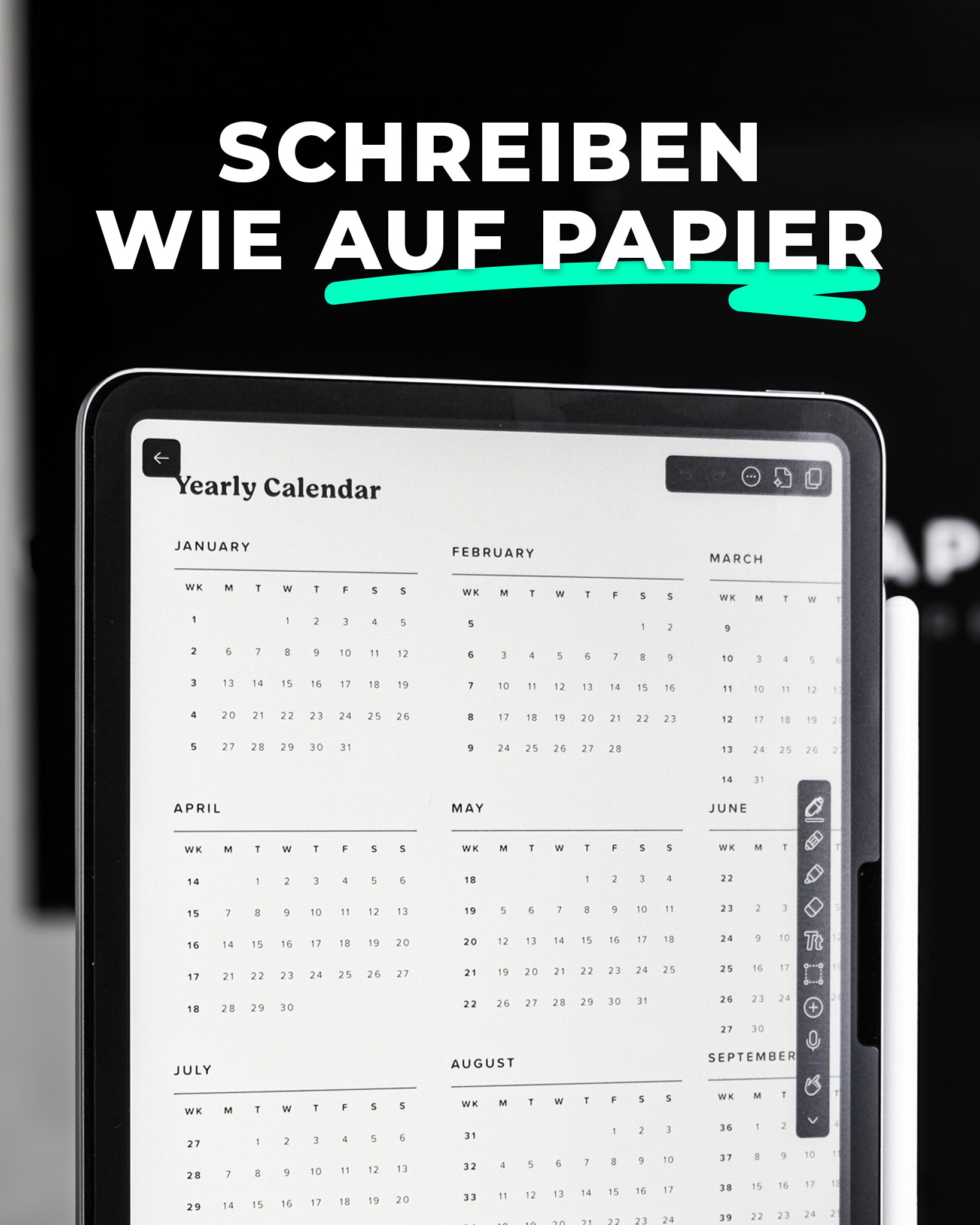
Writing on the iPad that feels like real paper.
PaperX Pro is a new kind of matte screen protector that turns your iPad's smooth glass touch into a real paper feel. For notes and drawings with exactly the resistance you know from pen on paper.
Applied in seconds, with no bubbles and no magnetic strips. And when you want to watch a movie: just take it off, done. As often as you like.
Shipping information
🇩🇪 Free express (1-3 business days)
🇪🇺 Shipping (3-6 business days)
All orders ship from our warehouse in Magdeburg.
♻️ 60-day return policy
What's in the box
- 1x Paper X
- 1x Storage sleeve
- 1x Installation setup kit
60-day trial with money-back guarantee
Try PaperX for 60 days, no pressure. If you're not convinced, you get an exchange or a refund, no long explanations needed
Featured in & supported by




This is PaperX
100%
Great screen quality
90,0%
Paper feel
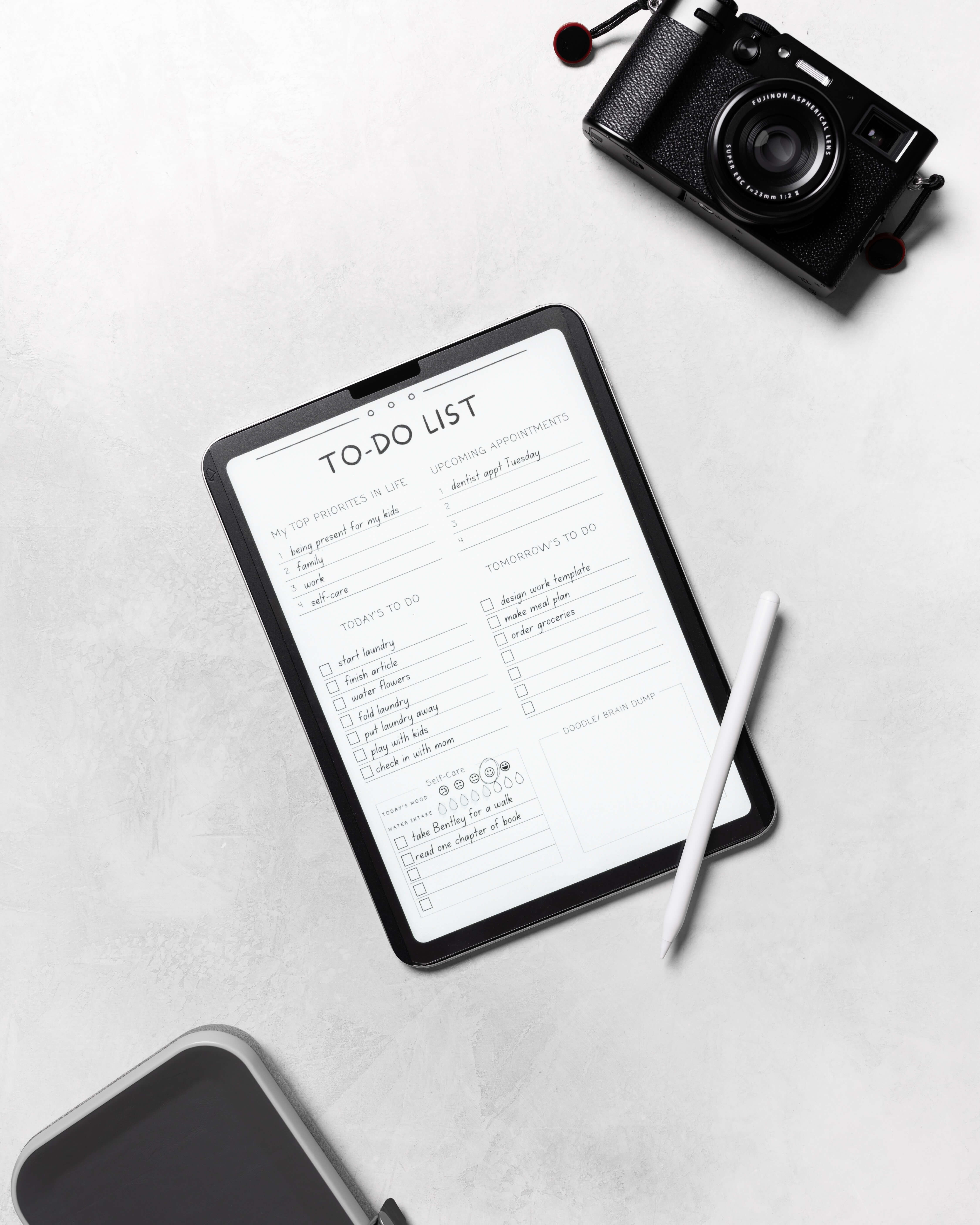
Better-looking notes, @{#C9B298}just like on paper.@
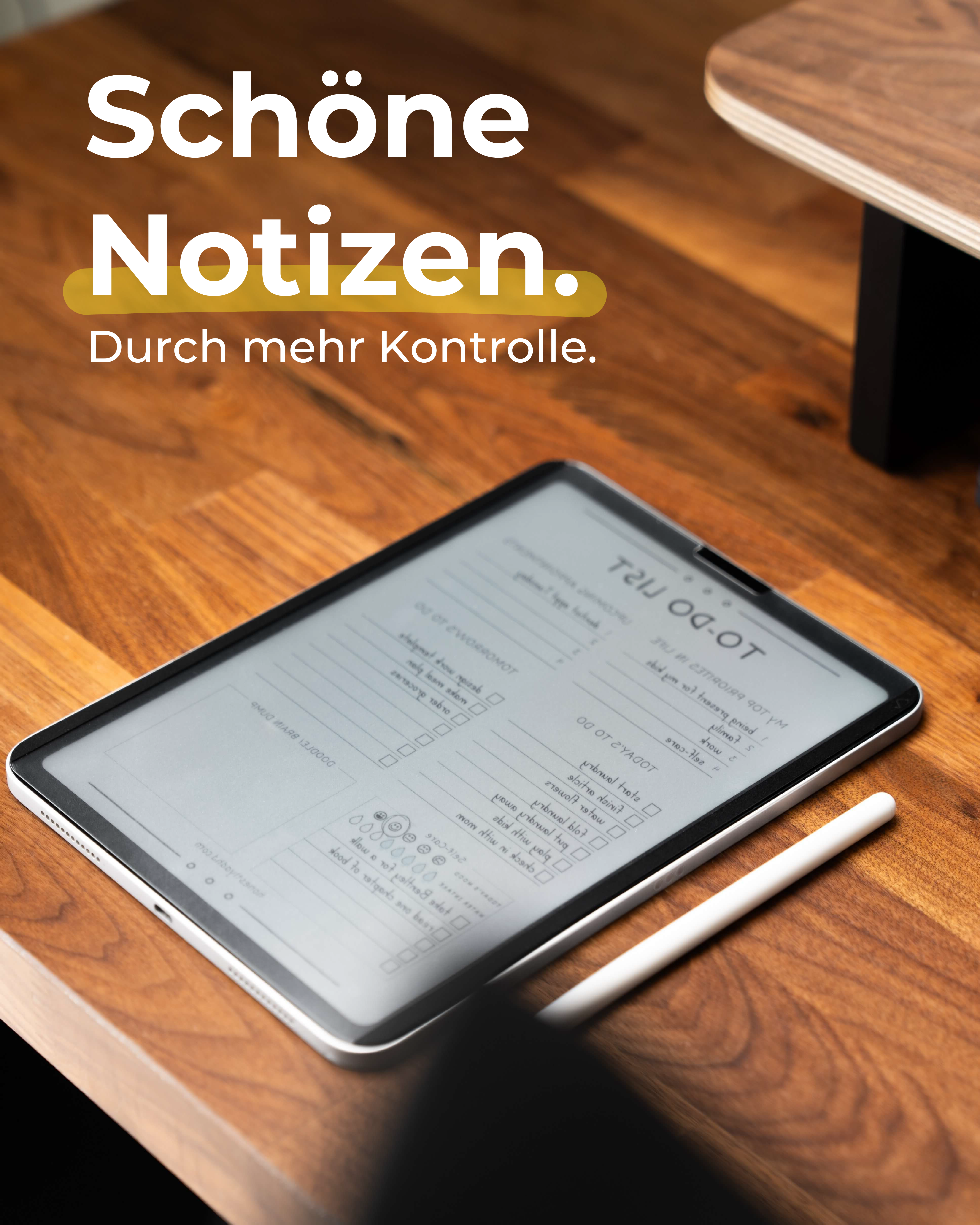
Has your handwriting gotten messier since you started writing on the iPad?
That's because the slippery glass surface gives you less grip than paper.
The paper feel of our Papertrue surface technology helps you write with more control and more neatly.
Without scratching the screen protector.
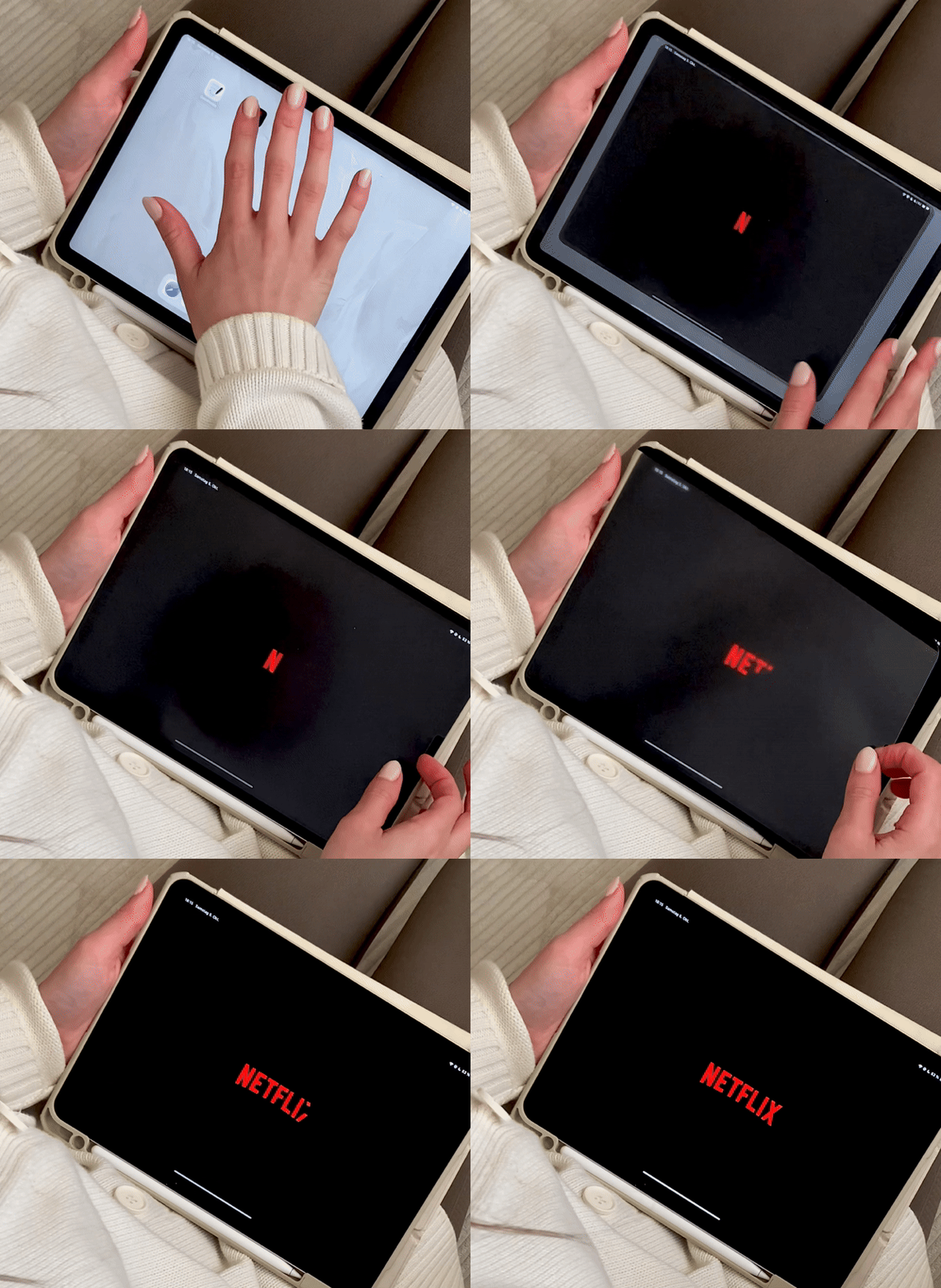
Attach & @{#C9B298}remove in 3 seconds.@
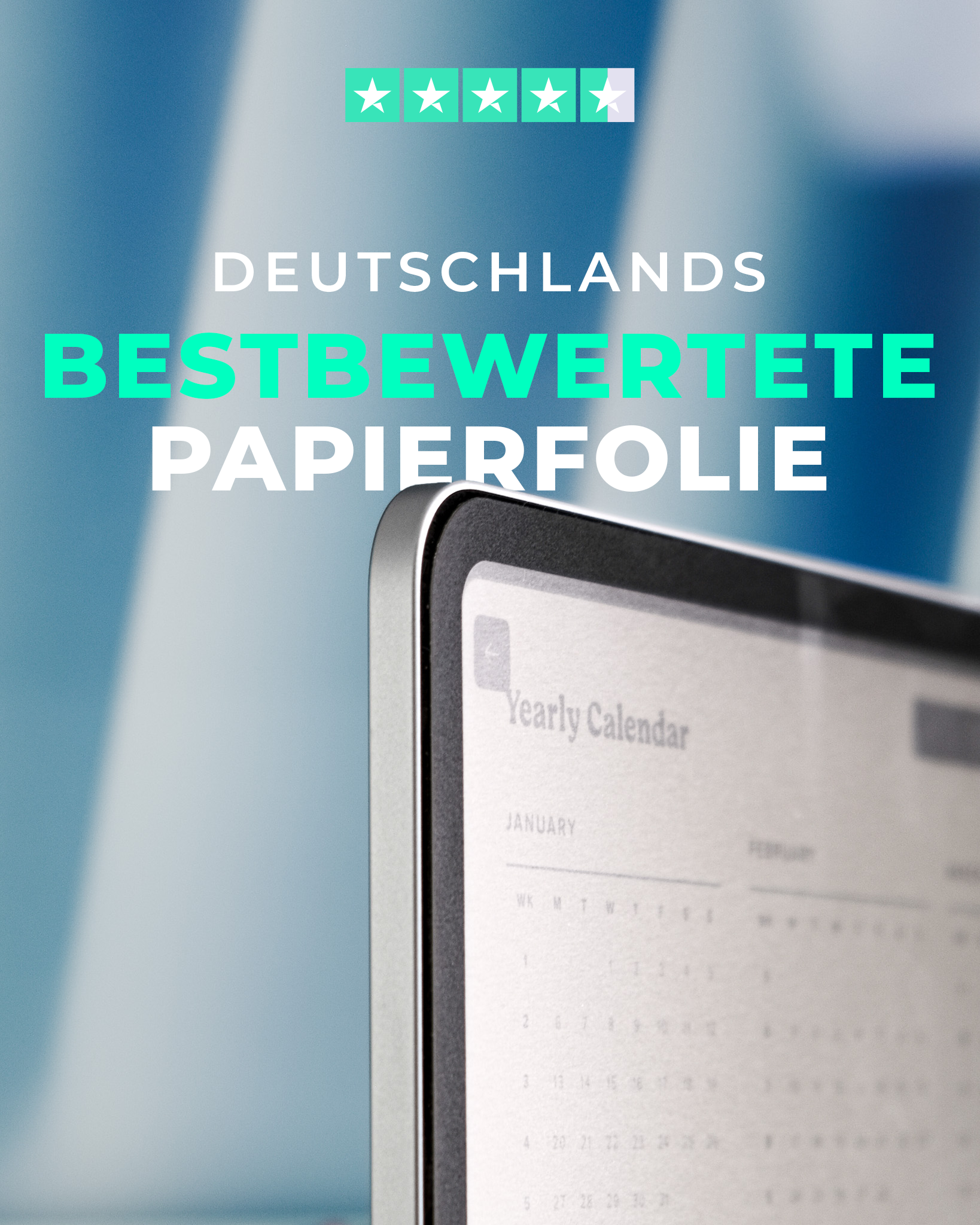
The textured surface of a paper-like screen protector always makes the screen look "pixelated"
Unfortunately, that's just simple physics.
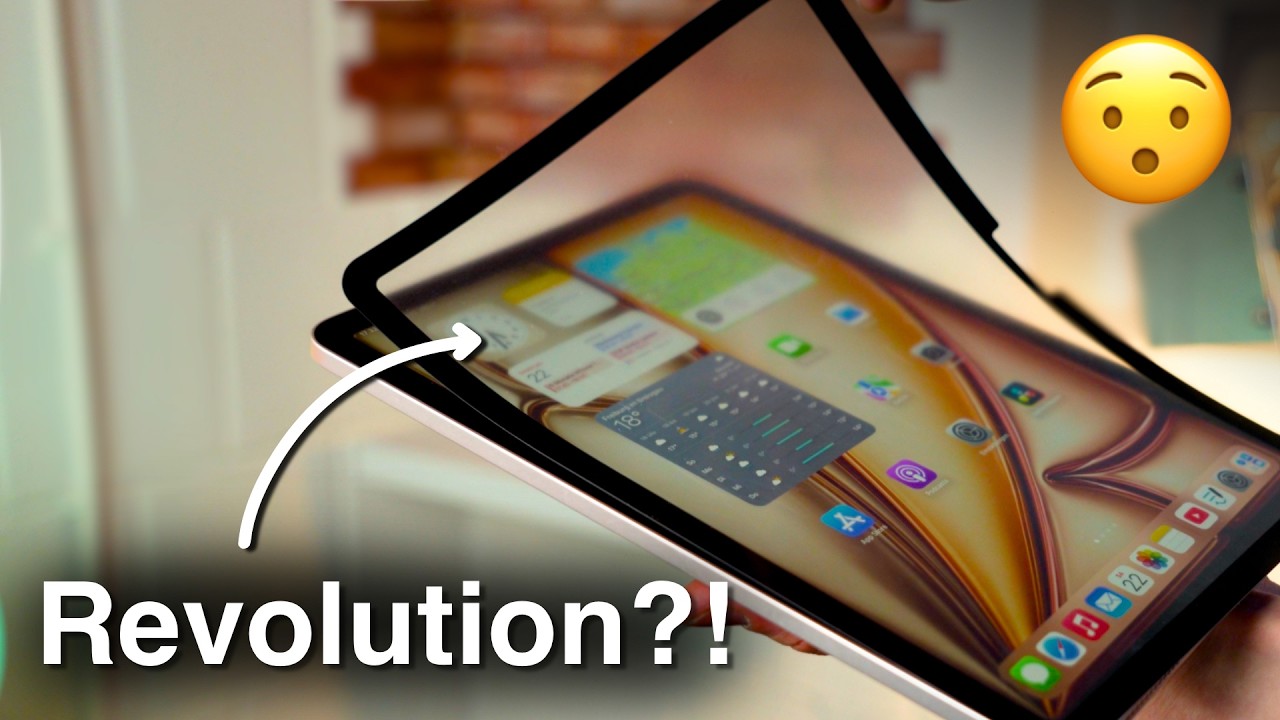
Because PaperX Pro isn't permanently glued to the iPad, you can always take it off again whenever you want to enjoy your clear iPad screen.
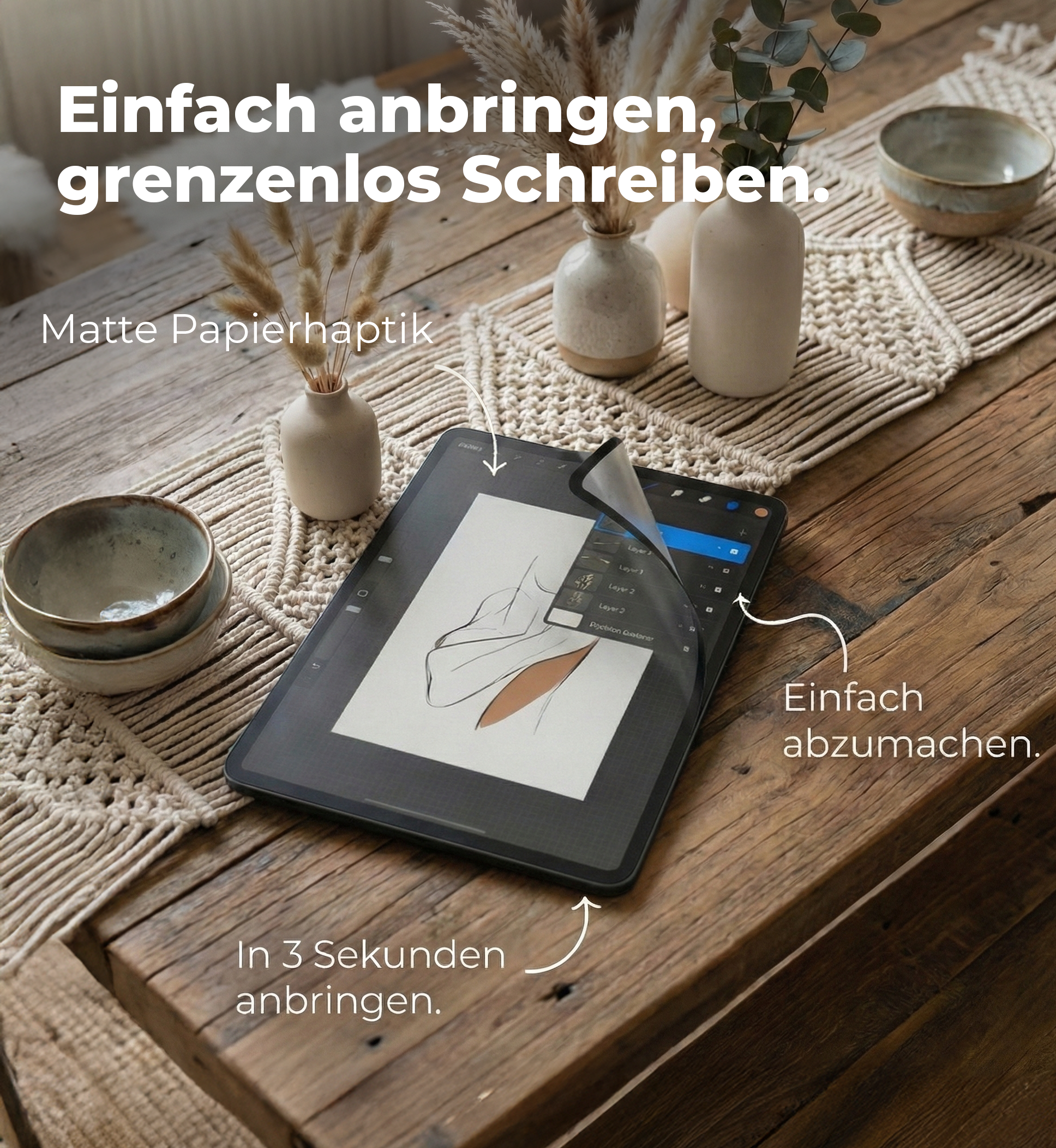
@{#C9B298}No slipping@, thanks to NanoGrip.
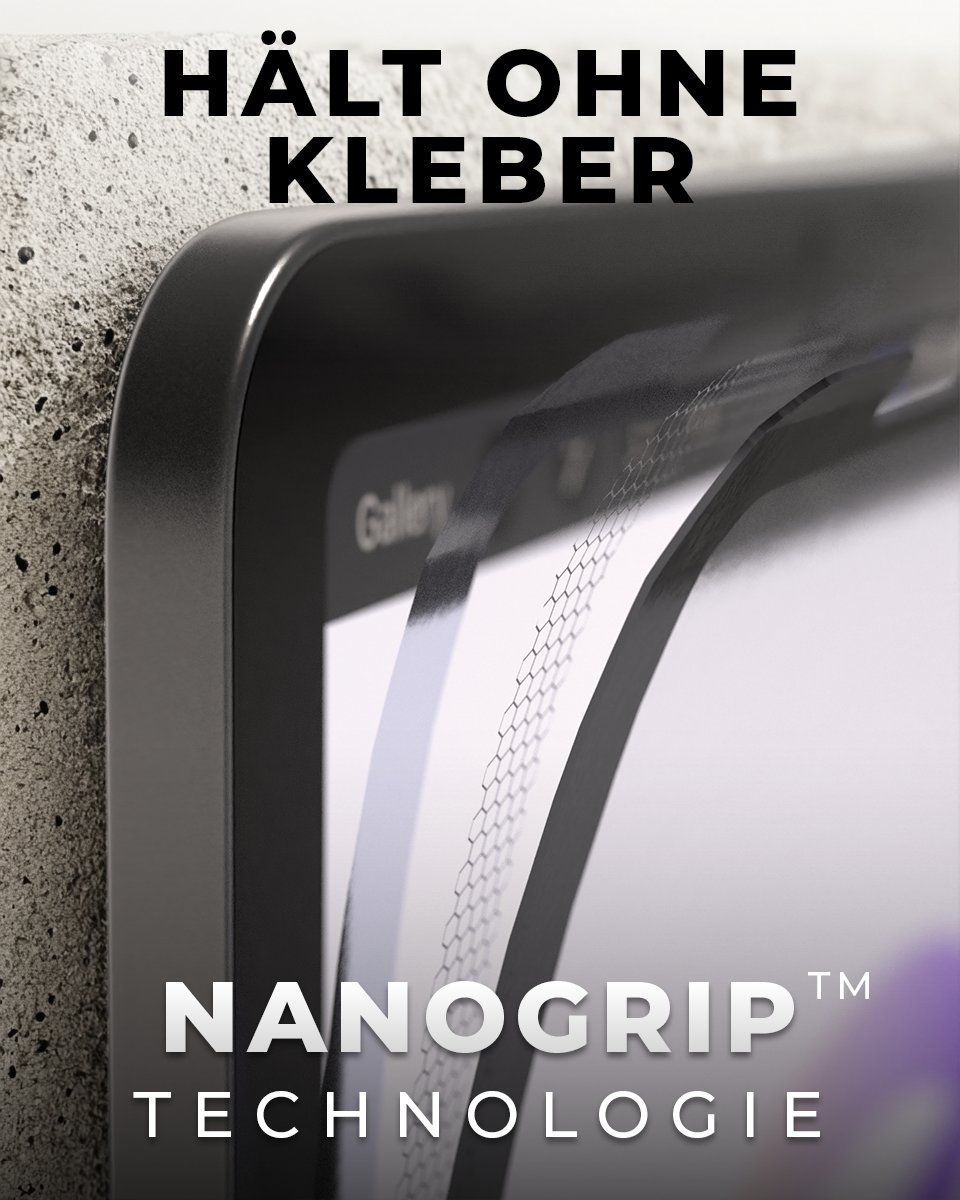
PaperX Pro stays put without glue thanks to the NanoGrip coating under the black border.
It sticks to your iPad so reliably that slipping is a thing of the past – whether you're writing, drawing, or even skydiving.
PaperX Pro holds without magnets, which is why it's compatible with all magnetic cases.
Classic paper-like vs. PaperX Pro
A great writing feel doesn't have to cost you image quality. See the difference at a glance.

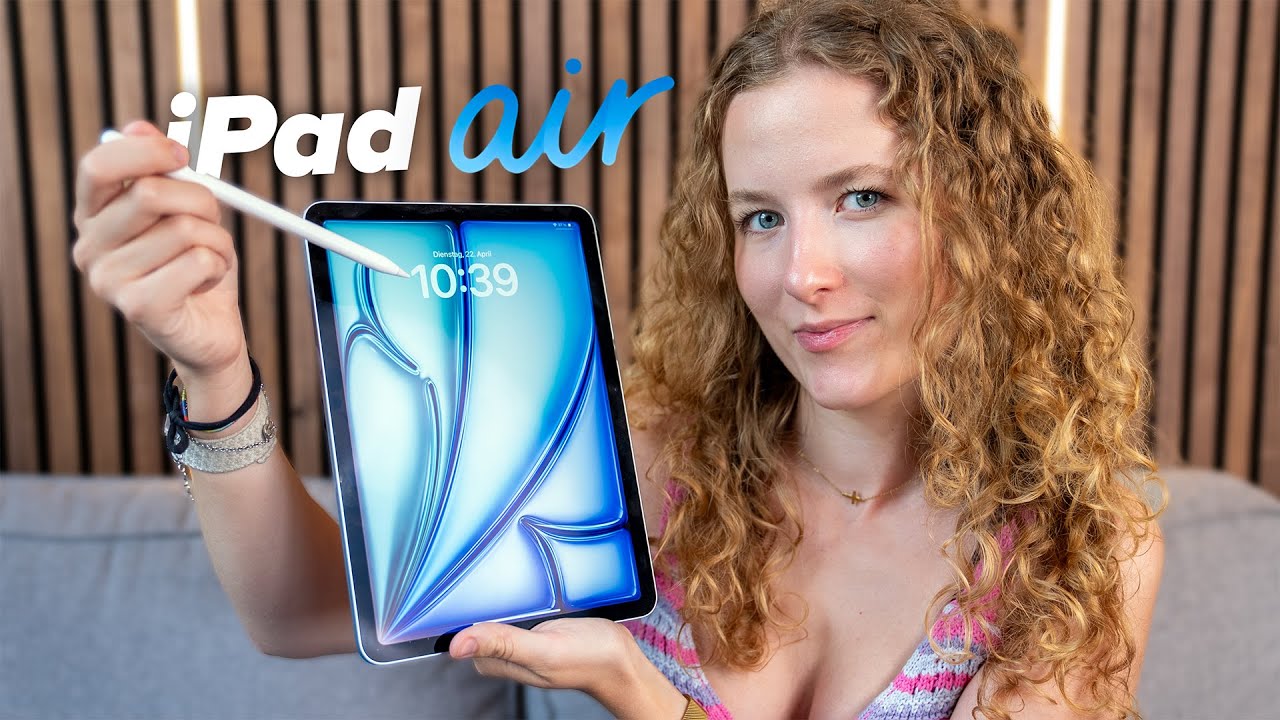
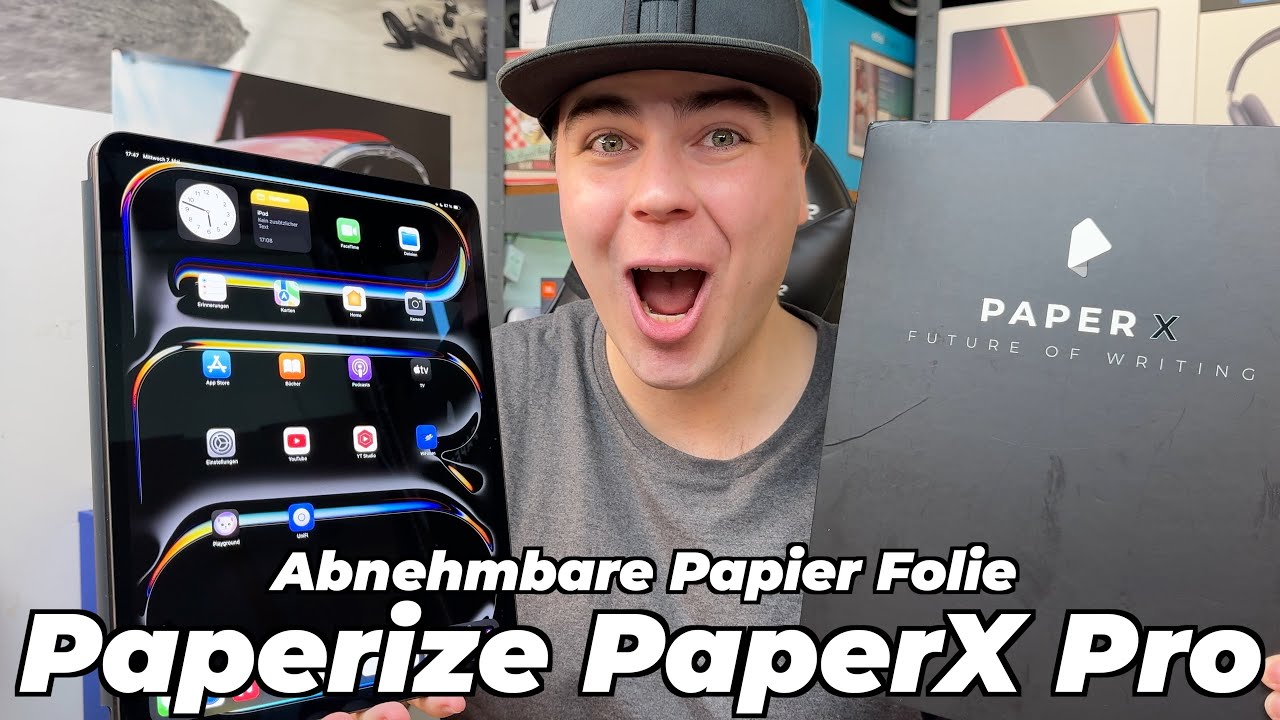
And even tech reviewers love it :)

@dertechnikmeister | 500k followers
DerTechnikmeister
We're genuinely thrilled with the writing feel of the screen protector with the precision tips. It really feels like real paper. We've never experienced that with any other screen protector before.

@LuisNewton | 57k followers
Luis Newton
I wish I'd come up with the idea. The reason I actually use the Paper X Pro screen protector is that you can take it off and put it back on anytime. You can't do that with the others. And the writing feel is honestly a thousand times better.

@med.with.cookie | 311k followers
Quira
Finally, a screen protector that won me over. Before I tried PaperX, I couldn't get on with any screen protector for my iPad. But this writing feel convinced me 100% - never going back!
@thesketchingdoro | 26k followers
Doro
Attaching an iPad screen protector with magnets instead of glue is simply genius. It holds perfectly, and thanks to the coating I get a super pleasant writing and drawing feel. Perfect for my illustrations and tutorials!
@miaartventure | 16k followers
Mia
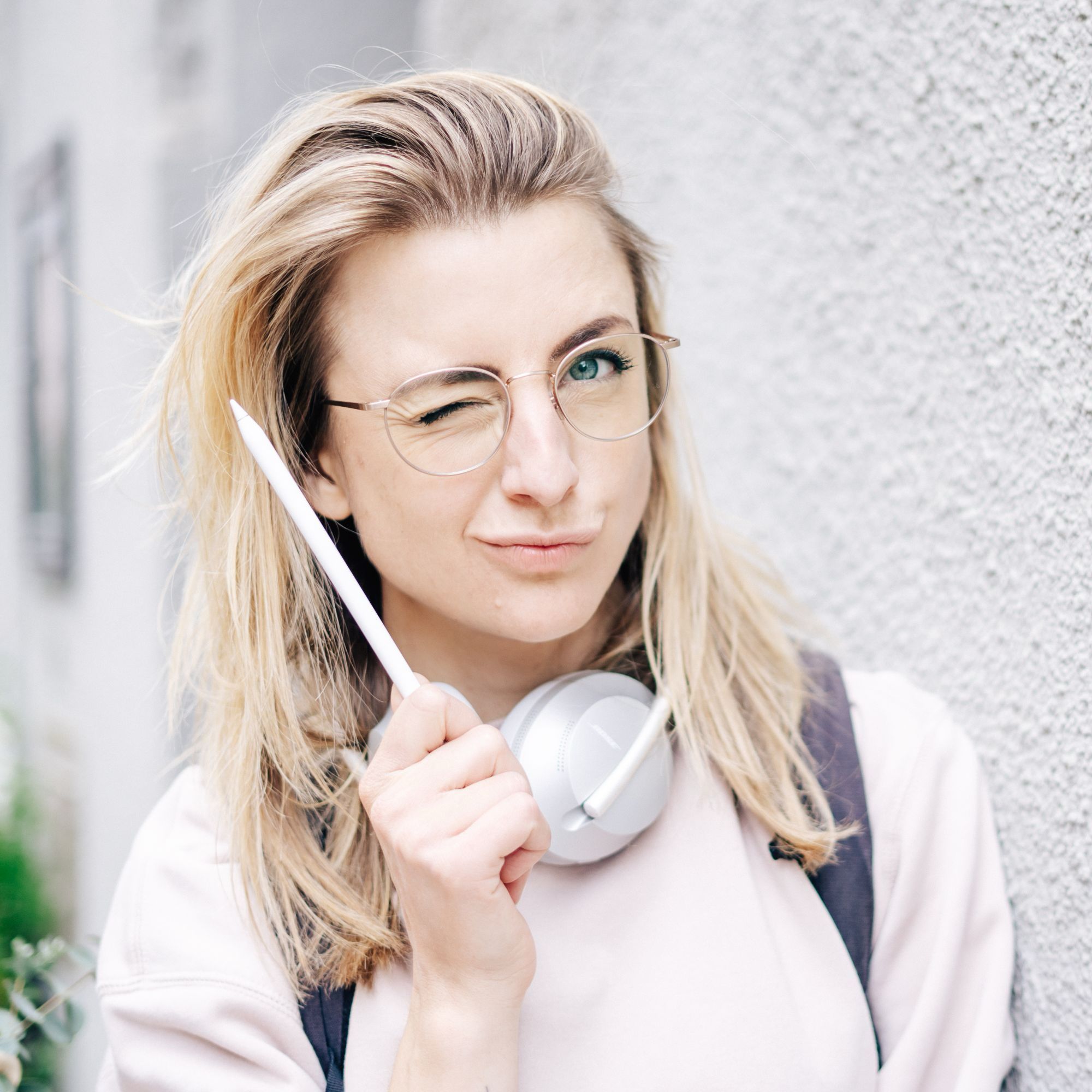
This is probably the BEST screen protector for creatives who want to stay flexible – who love the feel of paper but don't want to give up the iPad's glass surface either. You simply don't get that option with adhesive screen protectors. That's why it's my clear favorite when I illustrate in Procreate 🙌
The German start-up behind Paperize
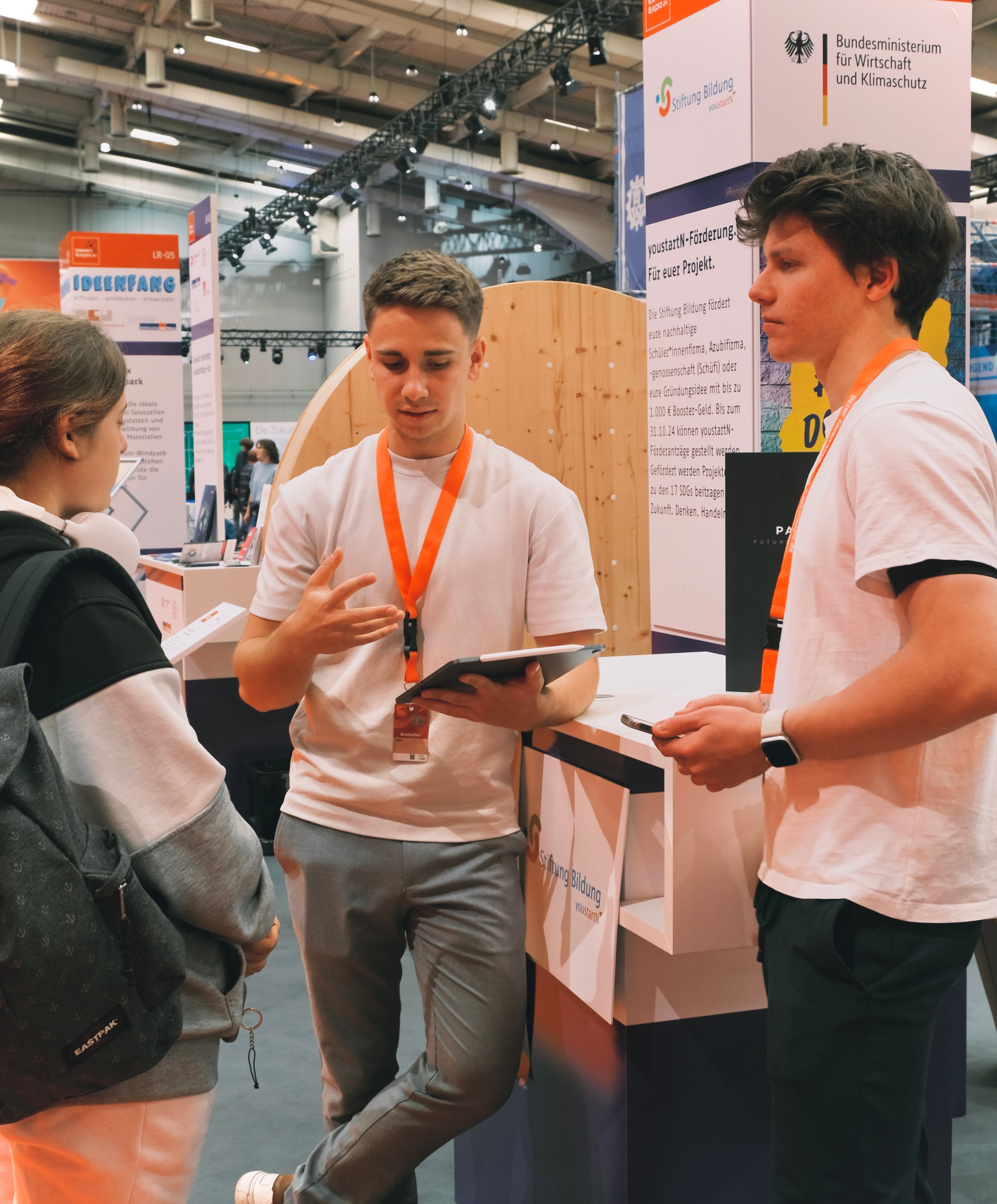
2.5 years ago, we – students at the time – faced a problem we couldn't let go of: slippery writing or a pixelated screen? A choice we refused to accept.
So we founded Paperize – with a clear mission: to perfect the iPad writing experience. Ever since, we've been developing our products here in Germany with passion, precision and unstoppable determination.
Frequently asked questions about PaperX Pro
How do I clean PaperX Pro?
1. Take off PaperX Pro and rinse it with water, optionally with a mild detergent.
2. Dust off the underside of the magnetic strips. (With a damp paper towel)
3. Put the screen protector back on & ready to go
How much does the Apple Pencil tip wear down?
Quick reality check: any brand claiming that a textured surface does nothing at all to your Apple Pencil is telling you a very creative fairy tale. ^^
Paper-like writing feel = a bit of friction.
And friction = a new tip at some point. Physics always wins here, unfortunately.
Most Paperize customers replace their tip about every 6–8 months. Pretty fair for a writing feel that doesn't feel like glass on ice.
And if you want to go straight for longer-lasting tips: we carry PrecisionTips too, of course. They're practically indestructible 😉
Can I use PaperX Pro on a tempered glass protector?
No problem at all. The only important thing is that the coating under the PaperX screen protector isn't dusty.
Does PaperX Pro really feel like paper?
Lots of our customers find the writing feel much better than on glass and pretty close to paper. We'd say: about 90% paper feel, just without loose sheets, dog-eared pages and that one pen that always disappears.
The jump from PaperX to PaperX Pro is a big one: more control, more pleasant resistance and a writing feel that's noticeably more natural.
In short: not 100% paper. But very, very close.
Why not just buy a regular paper-like screen protector?
Classic paper-like screen protectors come with a pretty clear trade-off. To feel like paper, they need a textured surface. And a textured surface usually means: a matte screen.
In everyday life, that means: you might write more neatly, but you're also watching movies, shows, photos and YouTube through a permanently matte layer. Not ideal when your iPad actually has a pretty great screen.
And when manufacturers try to make the screen protector as transparent as possible, you often lose exactly what you bought it for: the paper feel.
If the reduced screen quality doesn't bother you and you can apply adhesive screen protectors cleanly, straight and without air bubbles: honestly, a regular paper-like screen protector can be a good solution for you too.
PaperX Pro is more for anyone who wants a paper feel when writing — but still wants to use their screen like a screen afterwards.
* Orders placed before 3 pm arrive the next day ("Next Day Delivery") about 80% of the time, via Flex Fulfillment.
¹ With the "Paperize Plus & Care" offer, a one-time additional payment gives you the right to unlimited exchanges. This right is subject to the condition that the exchange option may be declared void in case of misuse. In that case, we reserve the right to request the return of the defective screen protector at the customer's expense. A small flat fee is also charged for shipping. Learn more here